AI sticker generator
Create a Complete Sticker Pack With AI
Describe the character, subject, mood, and visual style you want. MewSticker turns the idea into a coherent sticker sheet and helps prepare every item for use.
Real output
One workspace can produce many subjects without forcing one visual style.
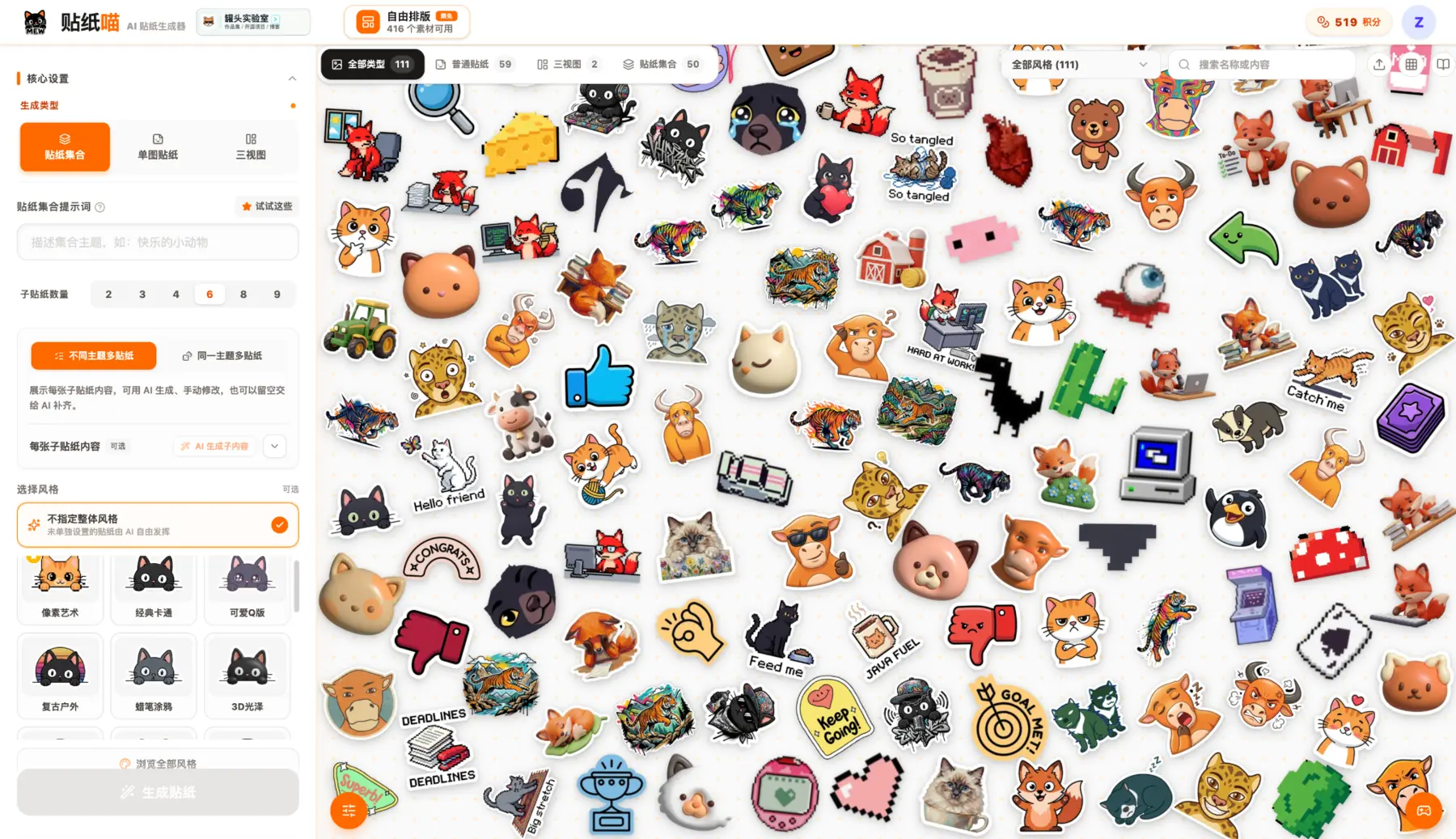
Characters, reactions, objects, pixel art, glossy 3D, and illustrated packs can all begin from a short prompt.
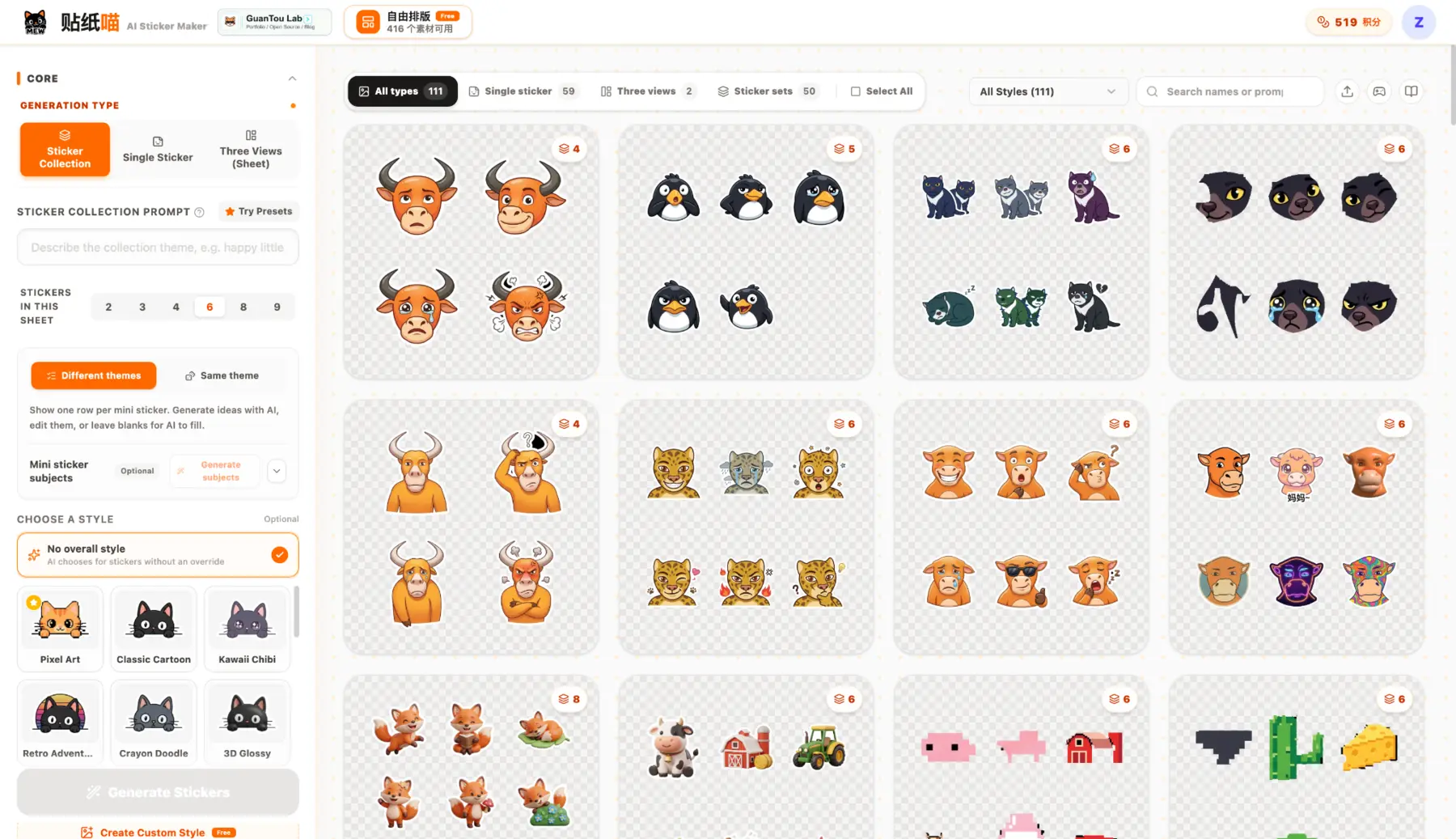
Control the number of stickers and decide whether each item follows one theme or explores different mini subjects.
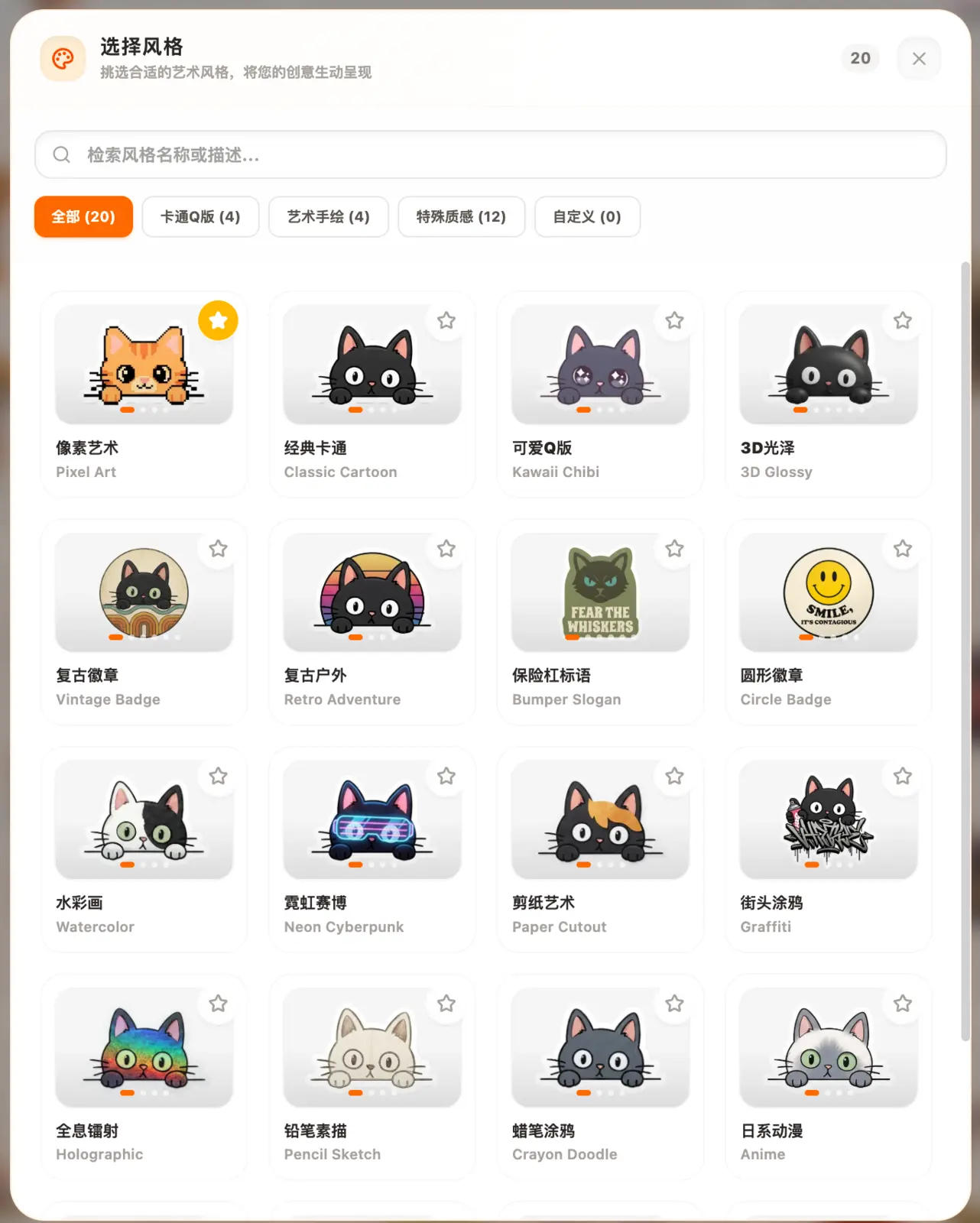
Pick a visual family when consistency matters, or leave style open for broader exploration.
Simple process
How to get a cleaner result
- 01
Describe your sticker set
Name the subject, style, expressions, colors, and number of variations you want.
- 02
Generate a consistent sheet
Use one prompt or reference image to keep the pack visually connected.
- 03
Split and download
Automatically separate the sheet, fix any edge cases manually, and download all stickers together.
What you get
A practical path from idea to usable files.
- Text-to-sticker and image-to-sticker workflows
- Consistent style across a full pack
- Automatic and manual sticker splitting
- Bulk download for finished sets
Common questions
Before you start
Can I generate stickers from a photo?
Yes. A reference image can guide the subject while the prompt controls expressions, styling, and variations.
How do I keep a character consistent?
Use the same clear reference image and describe stable features such as hair, clothing, colors, and line style.
Can I download every sticker at once?
Yes. After reviewing the automatic split, the complete pack can be downloaded in one action.
Make the first version