
Sticker text editor
Add Text to a Sticker Online
Sticker captions need to remain readable at chat size without covering the expression or subject. MewSticker keeps the text and image together in one preview, including uploaded fonts and outline controls.
Text editing
Set the words, type style, and image hierarchy in one live preview.

Edit the message, choose or upload a font, and tune color, outline, size, placement, rotation, and whether text sits above or below the sticker.
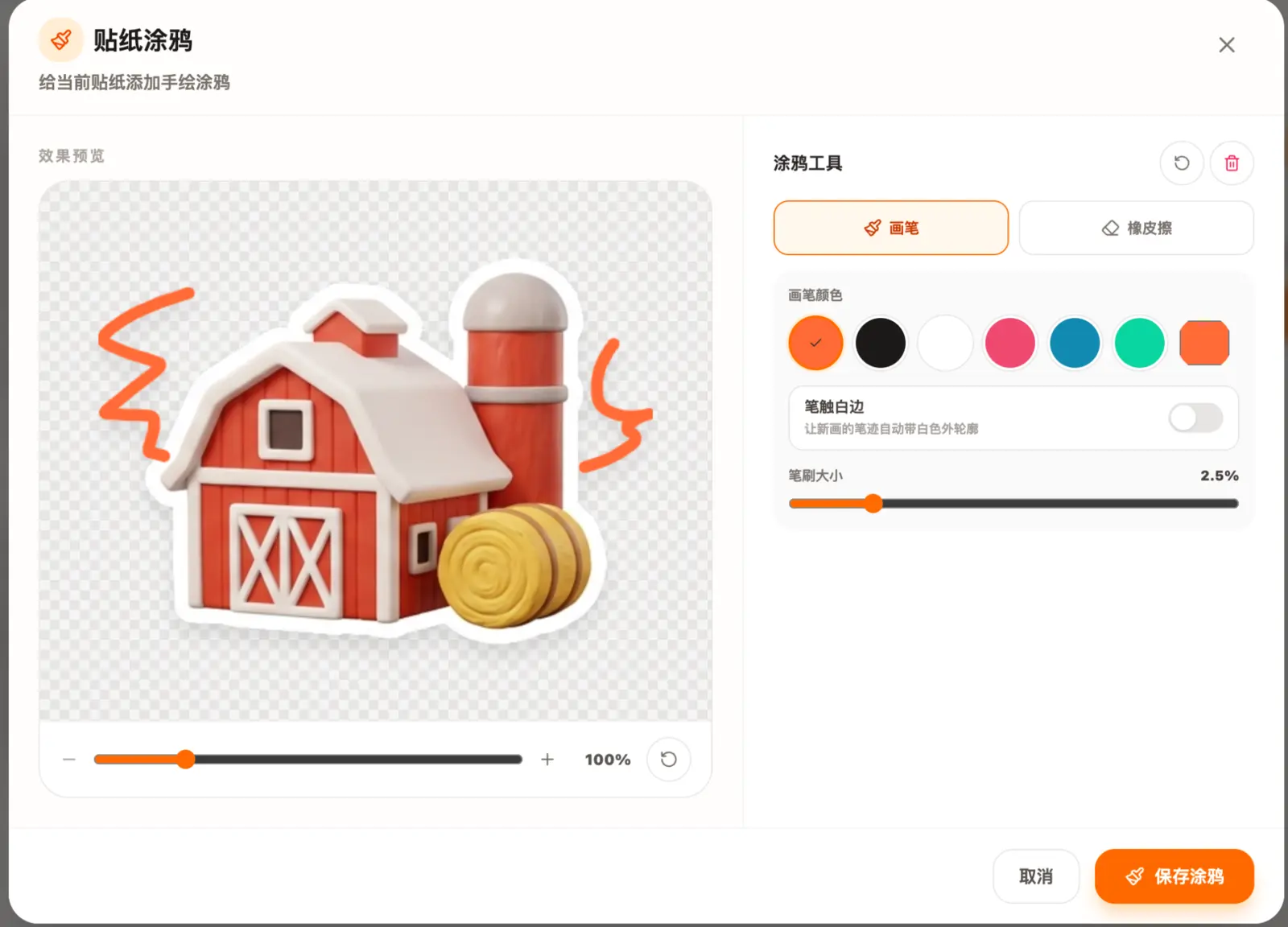
Brush and eraser tools help balance the text with the sticker edge instead of forcing every correction into the type controls.
Simple process
How to get a cleaner result
- 01
Write one short message
Use a phrase that can be understood quickly. Short reactions usually remain clearer than a full sentence when the sticker is small.
- 02
Set type and hierarchy
Choose a font, upload your own when needed, and adjust color, outline, size, and whether the text sits above or below the sticker.
- 03
Position and export
Drag the caption into place, check that it does not hide important details, and save the merged result as one image.
What you get
A practical path from idea to usable files.
- Live text-on-sticker preview
- Built-in and custom uploaded fonts
- Color, size, outline, layer, and rotation controls
- Text and sticker saved as one finished image
Common questions
Before you start
Which font works best on a sticker?
A bold font with open shapes and limited fine detail is usually easiest to read. Match the personality of the font to the character without sacrificing clarity.
Should text go above or below the sticker?
Place it where the silhouette has free space. Above works well for compact characters, while below often suits wide poses or props.
Can I upload my own font?
Yes. The editor supports common web font files, allowing a brand or character pack to keep a consistent type style.
Make the first version